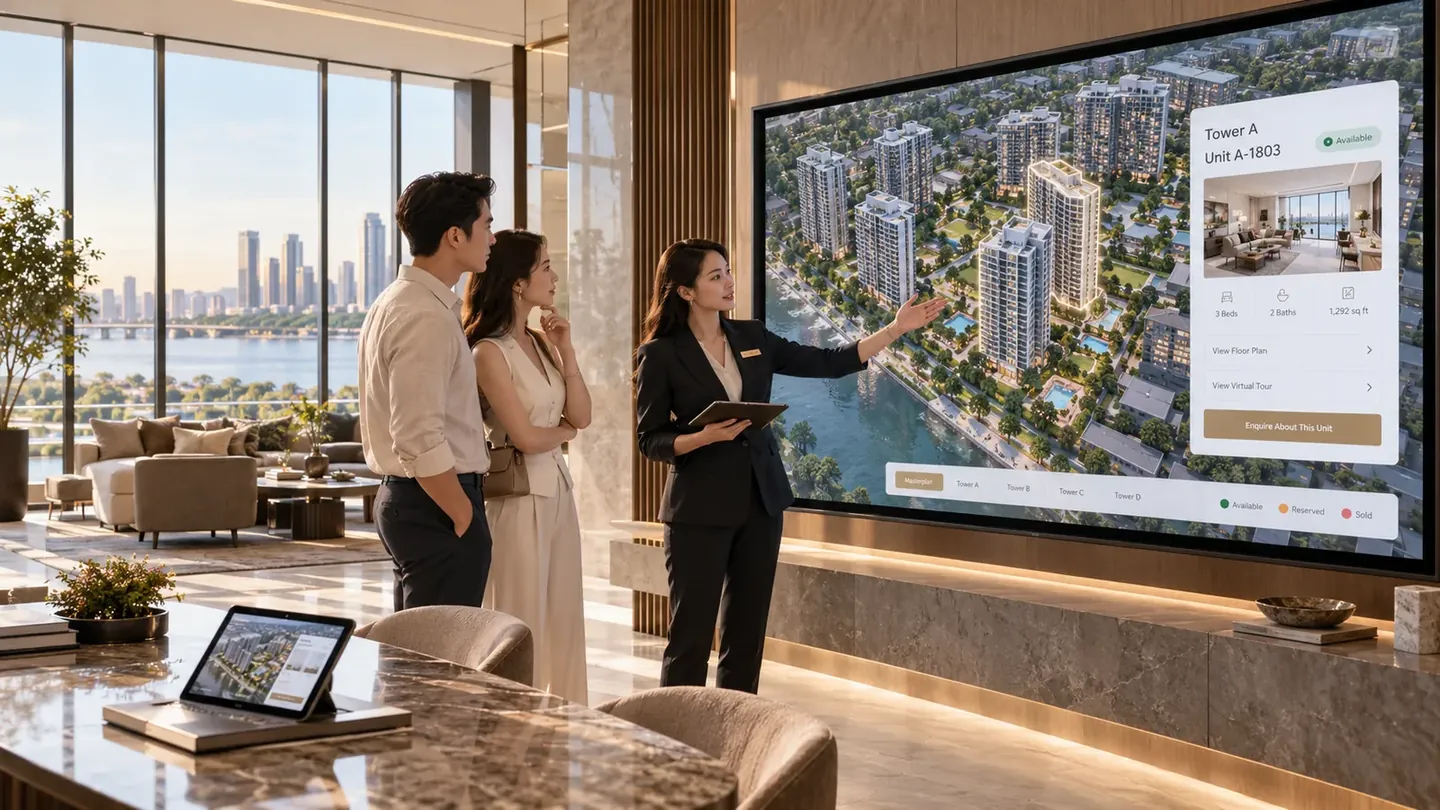
Products · Digital Sales Gallery
Your sales gallery, everywhere your buyers are.
One interactive presentation your salespeople and your agencies sell from, that a buyer takes home by link or QR code and keeps exploring long after the meeting.
The challenge
The gallery is excellent. Everything outside it isn't.
Developers invest heavily in the room where the project is sold, and then let the project leave that room as a PDF.
Every salesperson presents a different project.
One works from the printed plan, one from a slide deck, one from last quarter's price list. The buyer's impression depends on who they met.
Agencies sell what they were sent in March.
Material goes out once and keeps circulating. By the time it reaches a buyer, the availability in it is a guess.
The conversation ends at the door.
A buyer leaves the gallery with a brochure and a business card, and everything they explored with your salesperson stays behind.
The follow-up starts from nothing.
A name, a number and “interested in the project”. The salesperson who takes the call was not the one in the room.
The solution
One project, presented the same way by everyone.
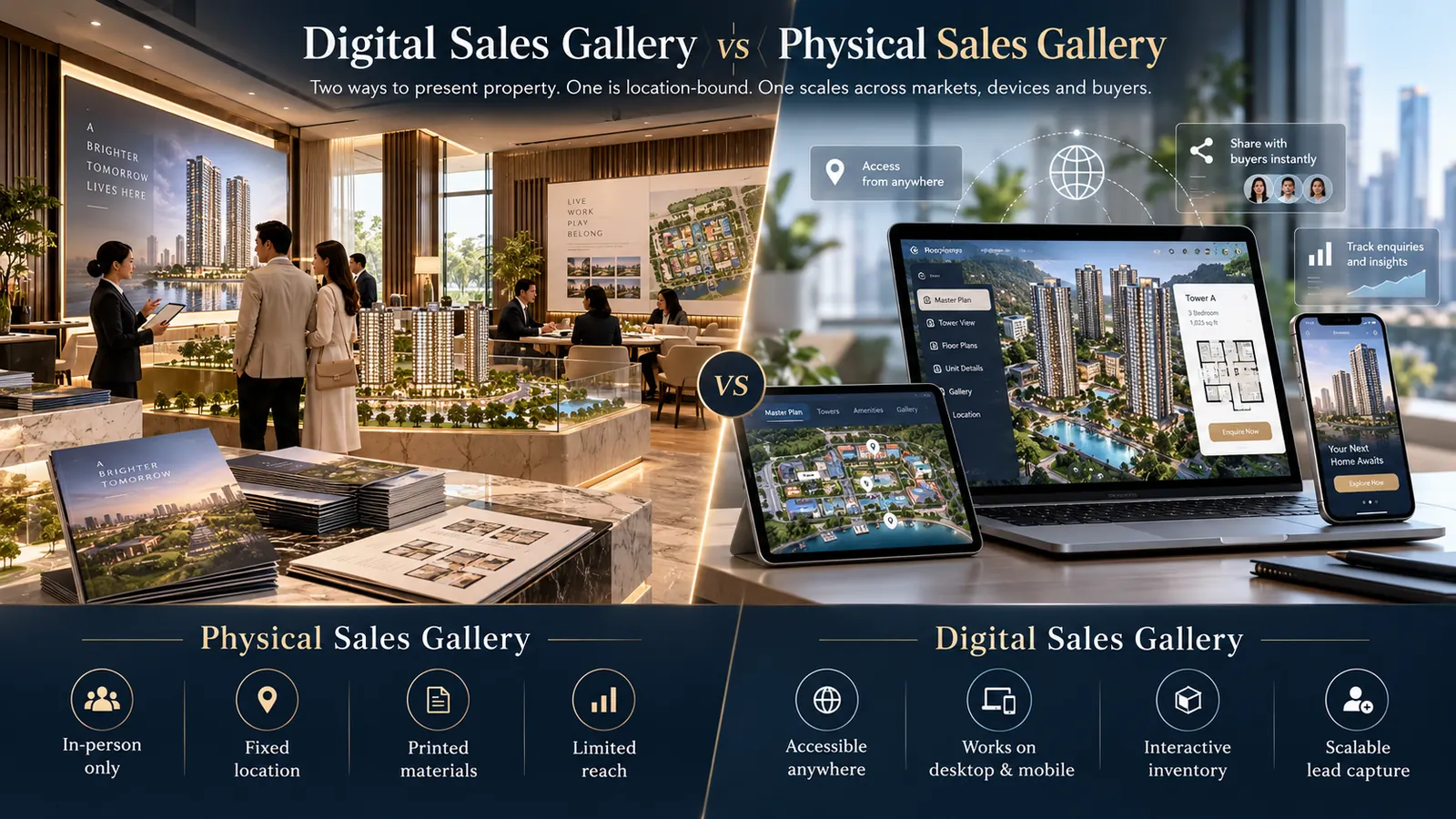
The same interactive development runs on the screen in your gallery, on a laptop at a roadshow, inside your website, on your agencies' sites and on the buyer's phone afterwards. It is one project, not five versions of a presentation that drift apart.
The meeting stops being the only chance to explain the development, because the buyer leaves with the thing you showed them rather than a description of it.
Core capabilities
What your team can do with it.
Everything here is in the live demonstration project, and most of it happens in front of the buyer rather than after they leave.
One presentation, always current
The same interactive project on the gallery screen, a laptop at a roadshow and a buyer's phone, showing the availability your team maintains rather than a printed snapshot.
Explore it together
Move from the masterplan into a building, onto a floor and into a unit while the buyer watches, instead of describing it and hoping they picture it.
Compare the real options
Put two units side by side with their plans and details, which is usually the moment a buyer stops considering and starts choosing.
Hand it over before they leave
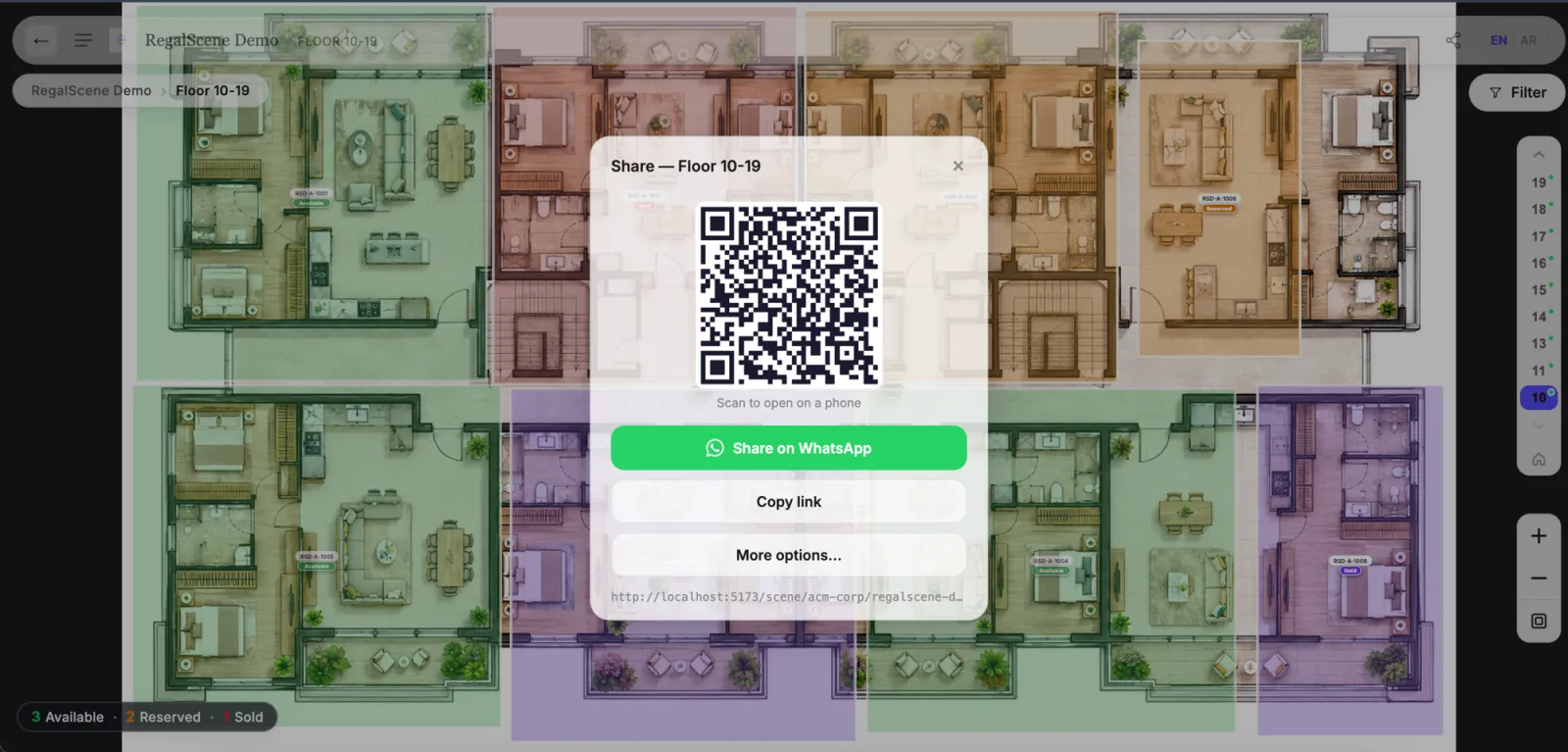
Send a specific unit by WhatsApp, a link or a QR code they scan off your screen, so they walk out with the thing you just showed them.
Links for each salesperson and agency
Give every salesperson and agency agent their own link. Visits and enquiries that come through it are credited to them automatically.
Enquiries that say what they were looking at
An enquiry arrives with the unit, the project and the path the buyer took, so whoever picks it up starts from the conversation that already happened.
How it works
One meeting, start to follow-up.


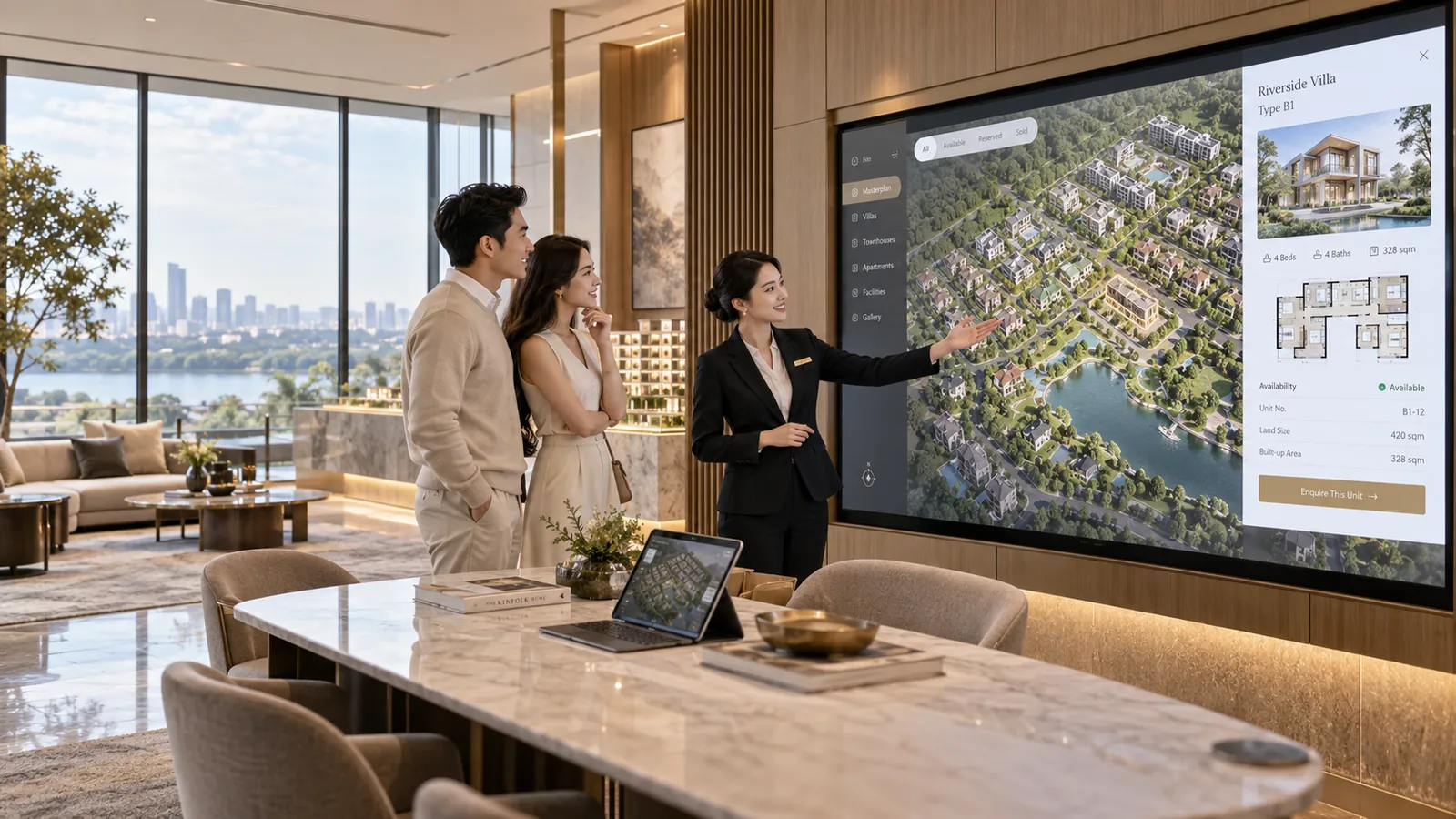
Illustrations of a sales-gallery session. Product captures are elsewhere on this page.
- 01
Your salesperson opens the development
On the gallery screen or a laptop, starting at the masterplan with the whole project in front of the buyer.
- 02
The buyer explores
Buildings, floors and floor plans, with what is available shown on the plan rather than read out from a separate list.
- 03
Options get narrowed
Filter to what the buyer actually wants on the 2D plan, then compare the two or three units that survive side by side.
- 04
They take it with them
The unit goes to their phone by QR code, WhatsApp or a link, landing on your own page rather than anything that looks like a vendor's.
- 05
They keep exploring at home
That evening, with a partner, from another city. The project stays open long after your gallery closes.
- 06
The enquiry comes back with context
With the unit attached and credited to the salesperson or agency whose link brought them, ready for a first call that starts somewhere real.
The real thing
Sit on the buyer's side of it.
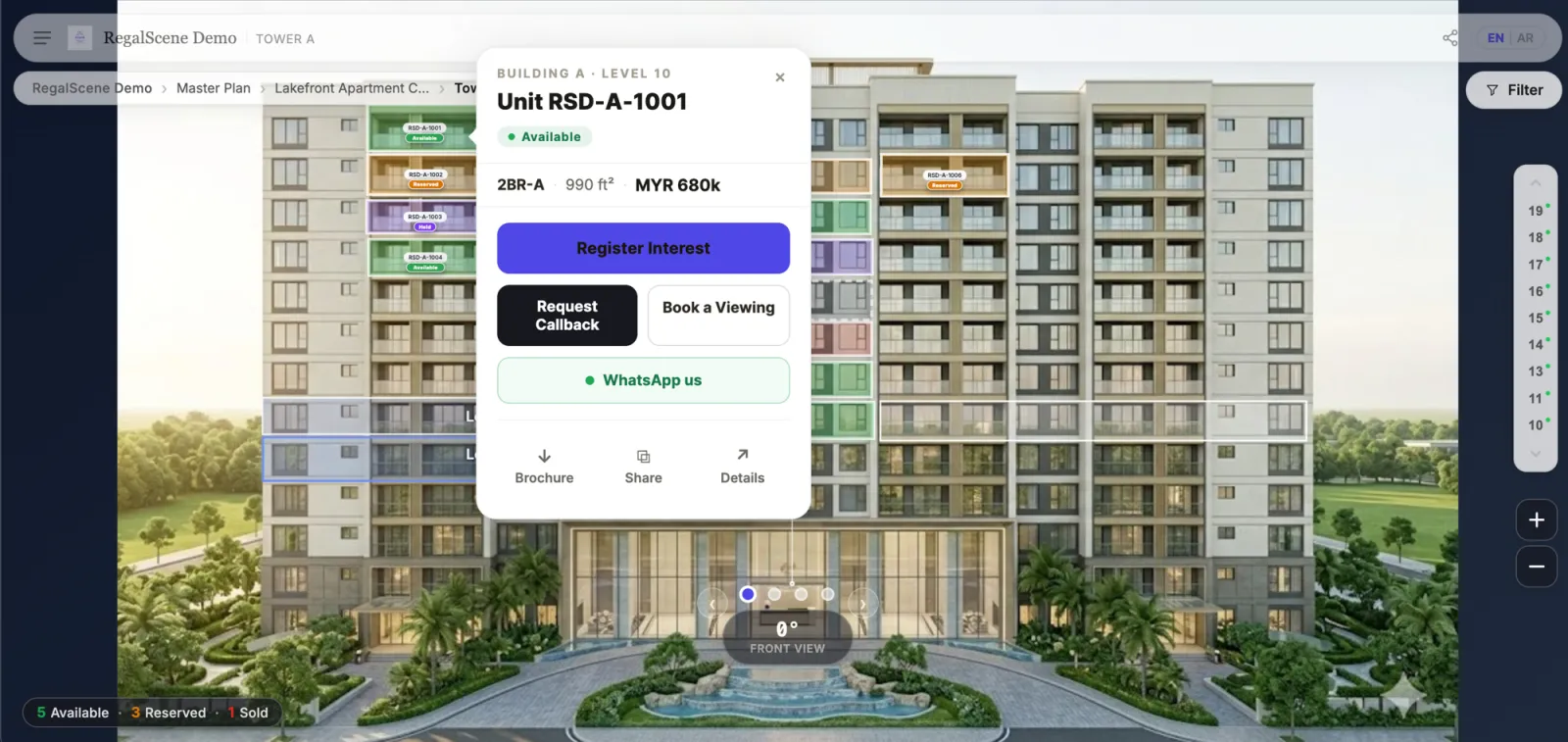
Open the demonstration project and run the meeting yourself: find an available unit, compare it with another, then share it to your own phone by QR code and see what the buyer receives.
Opens full screen in a new tab. No sign-up.
Who it's for
Teams who sell in person and everywhere else.
The further your buyers are from the gallery, the more of the sale this carries.
Developer sales and marketing teams
Teams who need every salesperson presenting the same current project, and want to see which units buyers actually open.
Real estate agencies
Agencies selling a developer's project who need current availability and their own credited links, not a PDF from last quarter.
Property sales centres and galleries
Permanent galleries where the screen is part of the room and the model is the centrepiece, and the digital version has to keep up with both.
Roadshow and exhibition teams
Selling away from the gallery, often abroad, where everything has to travel on a laptop and work on an unfamiliar connection.
Overseas and remote sales
Where the buyer will never visit before reserving, and the experience is the only gallery they will ever see.
Business benefits
What changes for the team.
Consistent presentations
The project a buyer sees does not depend on which salesperson they met or how recently the agency updated its files.
The sale continues after the meeting
Buyers keep exploring what they were shown instead of the conversation ending when they leave the room.
Follow-up with something to say
Your team opens the call knowing the unit, the project and the route the buyer took, rather than starting with “how can I help”.
You can see which channel is working
Referral links per salesperson and agency show where enquiries actually come from, instead of being credited to whoever answered.
Questions
Sales gallery questions.
Is there a dedicated kiosk or touch-screen mode?
No, and we would rather say so than imply one. There is no separate kiosk build, attract loop or showroom mode. The experience is a responsive web application: it runs full screen in a browser on the screen in your sales gallery, and it is built for touch because most buyers meet it on a phone.
Can agencies use the same experience?
Yes. Agencies can be given their own links and can embed the experience on their own sites, restricted to domains you approve. They see the same current availability you do, which removes the usual gap between what a developer knows and what an agency is still telling buyers.
How does a shared unit reach the buyer?
By WhatsApp, a copied link or a QR code they scan from the screen. The link opens on your own project page rather than anything branded as a vendor, and a link one buyer forwards to another does not carry the original salesperson's credit with it.
Do enquiries say which salesperson was involved?
When the buyer arrived through that salesperson's or agency agent's referral link, yes: the enquiry is attributed to them and the attribution follows agreed precedence rather than whoever happens to open it. Campaign and placement details are captured when the experience is embedded, where there is page context to read.
Does it work without a good connection?
It needs a connection, as any web experience does. It is built to stay usable on the kind of mobile connection a buyer actually has, and there is no app to install before a roadshow or a meeting.
What does the team see afterwards?
Enquiries with their unit and journey, and analytics covering engagement, where attention concentrates in a project, the enquiry funnel and how inventory is being looked at. Which of those a given person sees depends on the access they are given.
Also in RegalScene
The rest of the platform.
Interactive Masterplan
Turn masterplans, renders and 3D models into one experience buyers can explore.
WebGIS & Geographic Intelligence
Put every development on a real map, with boundaries, surroundings and context.

Show us how your team sells today.
Tell us where your buyers meet the project: the gallery, a roadshow, your website, your agencies. We'll show you what the same development looks like across all of them.